
Chapter 46 · The SAABI assistant · 2 min read
Choosing the assistant's brain
On this page
SAABI ships with an assistant that can read your books, answer questions about them and draft work for you to check. Before you use it, you choose which artificial-intelligence model does the thinking. SAABI calls this choice Intelligence, and it is the first card on the Get Started page.
The choice matters because it decides where your words go. One option keeps everything on your own computer. The other three send your questions — and the names in your books — to an outside service that you hold an account with. In every case the figures are read from your own company file and never come from anywhere else.
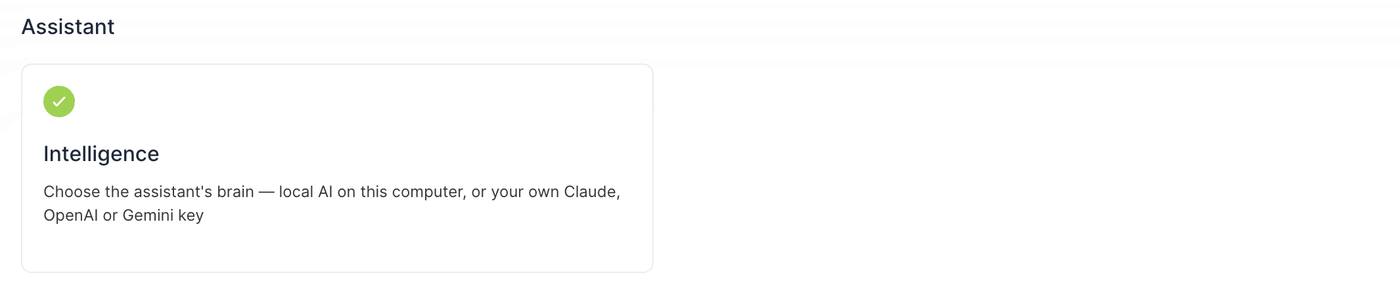
Opening the Intelligence settings
There are two ways in:
- Go to Get Started and choose the Intelligence card.
- Or open the assistant and select the gear icon in its header.
Both open the same panel.
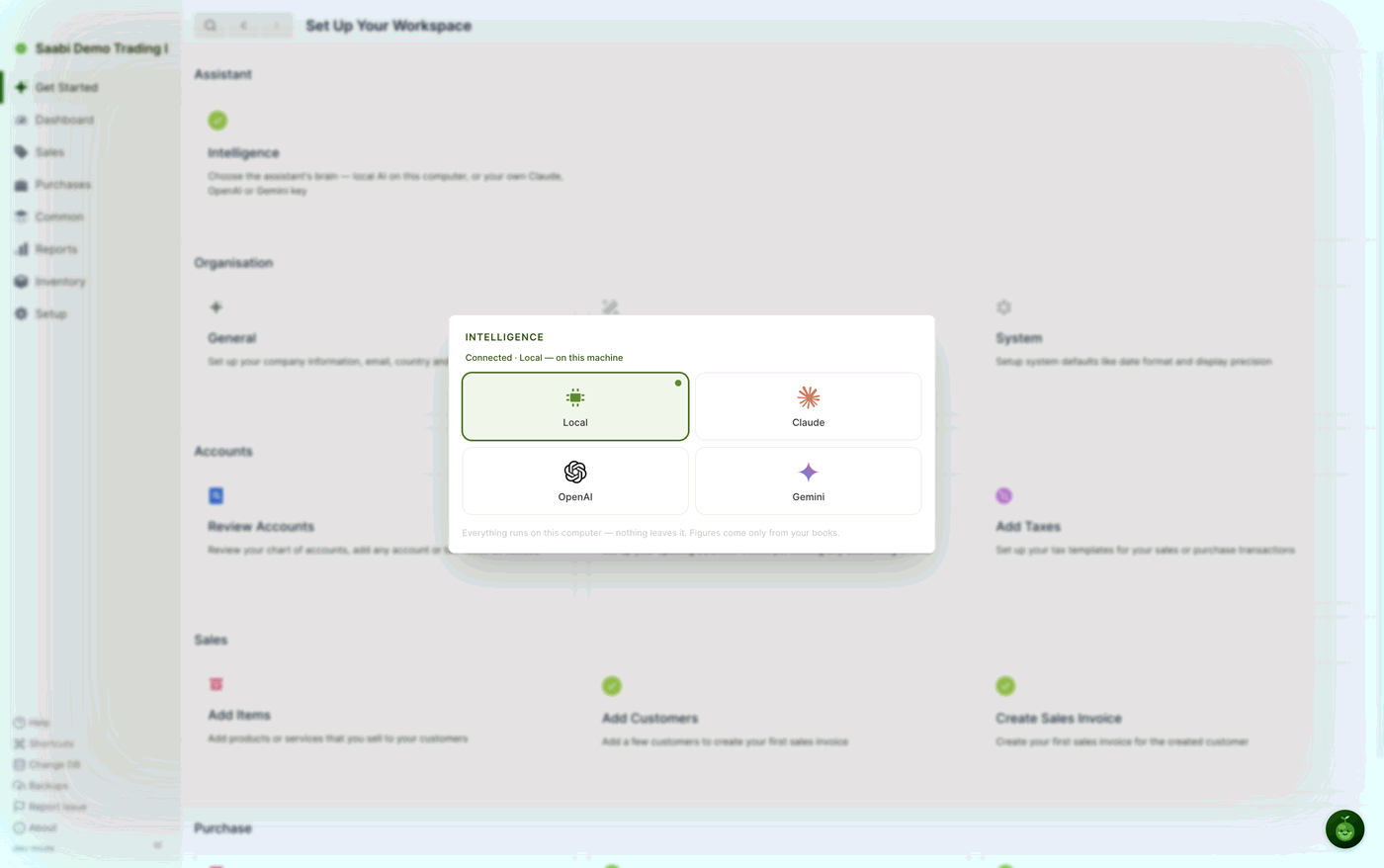
The four options
Local runs a model that lives on your computer. Nothing you type and nothing from your books leaves the machine. It works with no internet connection and costs nothing to run. It is the default, and it is the right choice for most businesses.
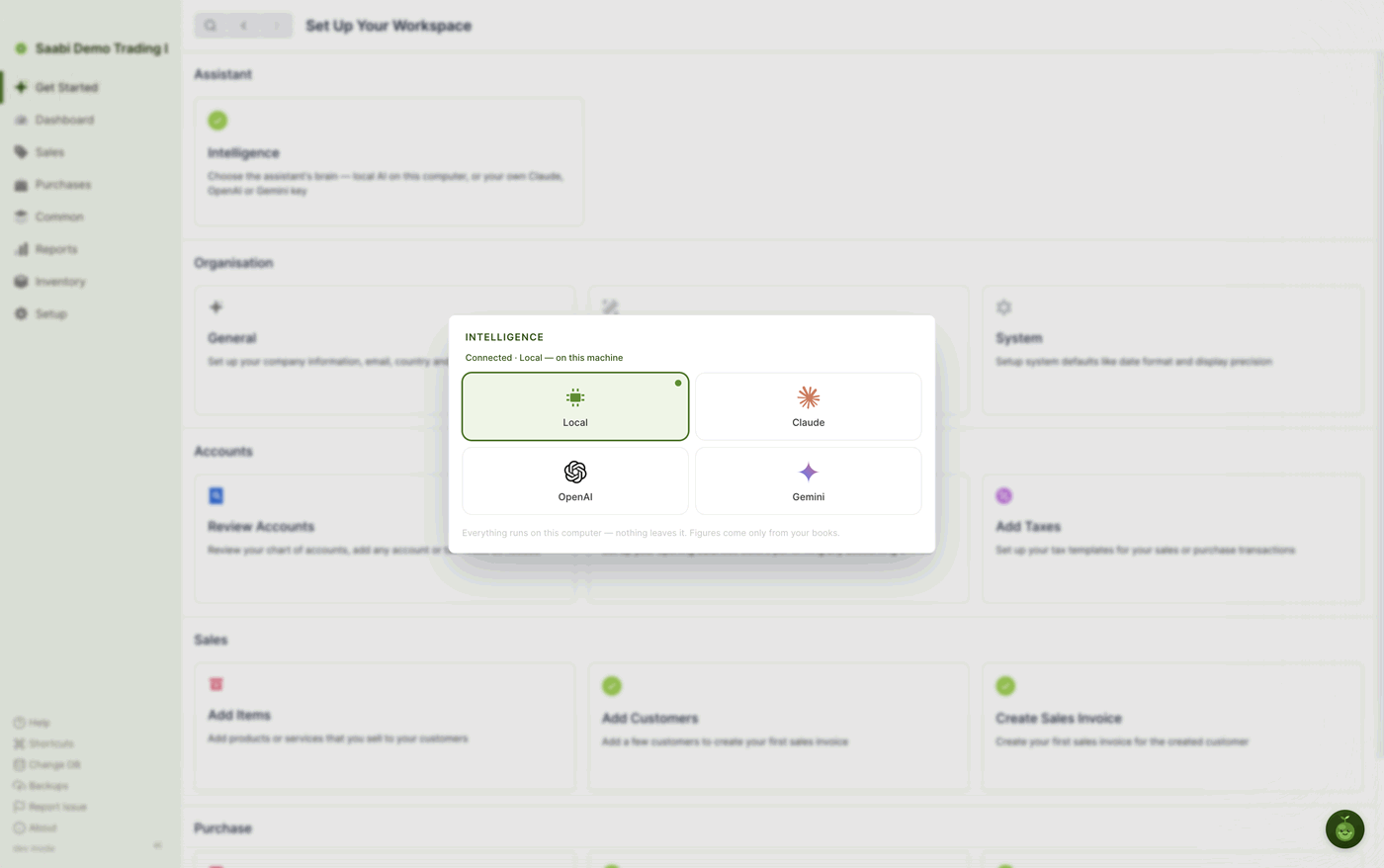
Claude, OpenAI and Gemini use a model hosted by Anthropic, OpenAI or Google respectively. Each needs an API key that you obtain from that provider and pay for directly. They are usually faster and handle longer, more complicated questions better than the local model.
Important
When you select one of the hosted options, SAABI tells you exactly what is shared: your messages and the names in your books go to that provider so it can understand the question. Your figures are still read locally. Read that line before you connect, and check it against your own obligations to your customers.
Connecting a hosted provider
- Open the Intelligence panel.
- Select Claude, OpenAI or Gemini.
- A key field appears below the four tiles, with the shape of that provider's key as a hint —
sk-ant-…for Claude,AIza…for Gemini. - Paste your key into the field. If you do not have one, the Get a key link opens the provider's page in your browser.
- Select Connect.
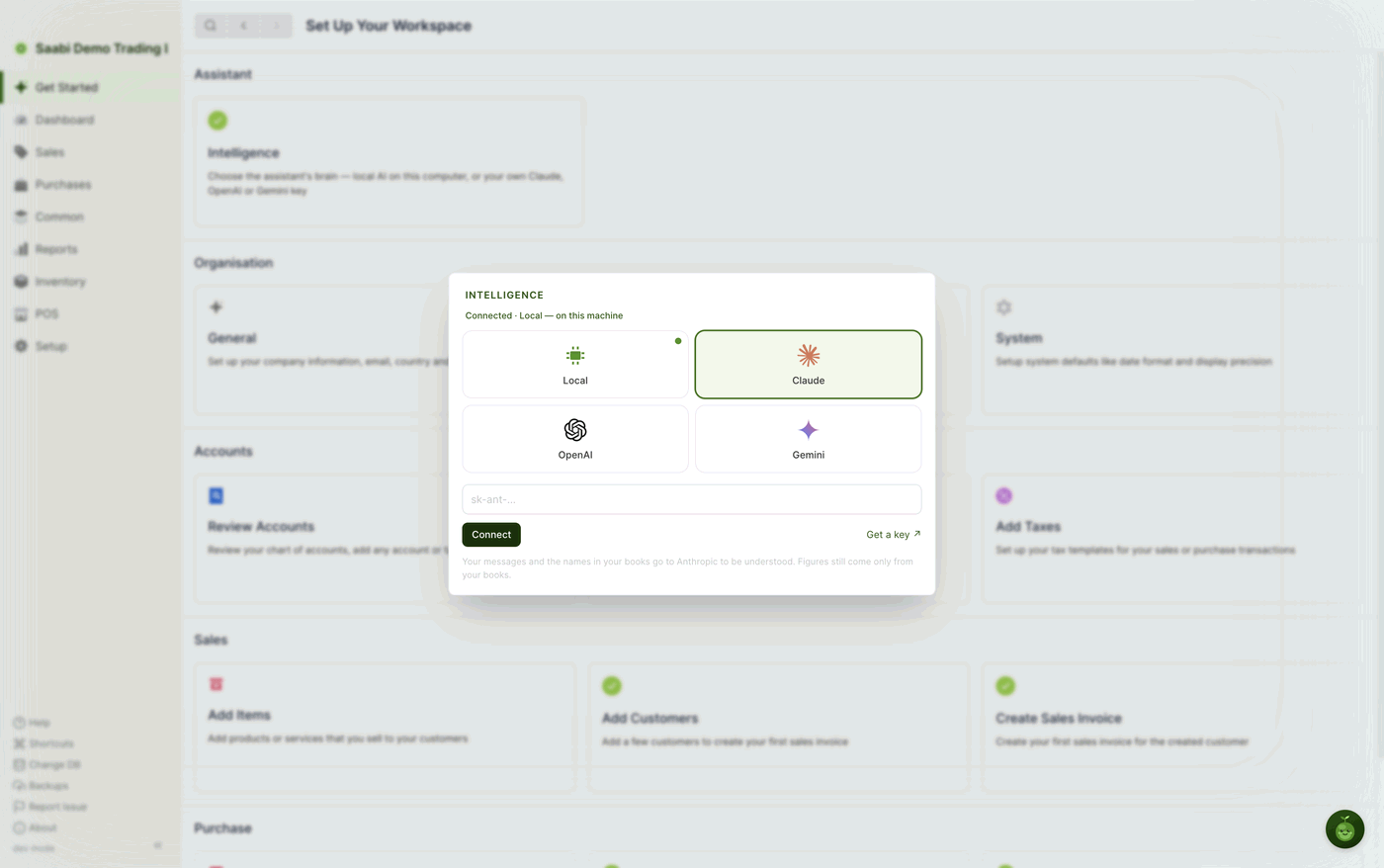
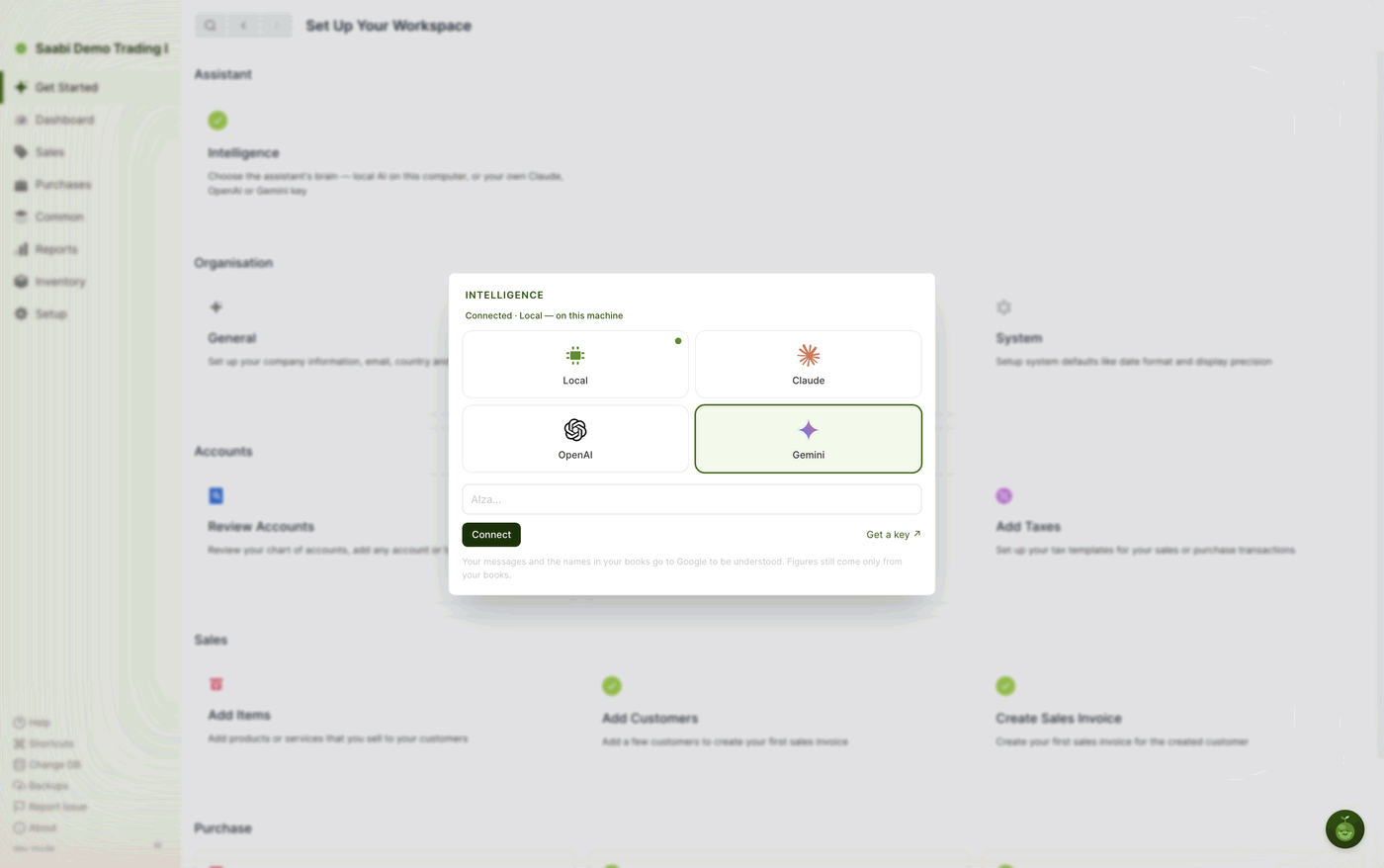
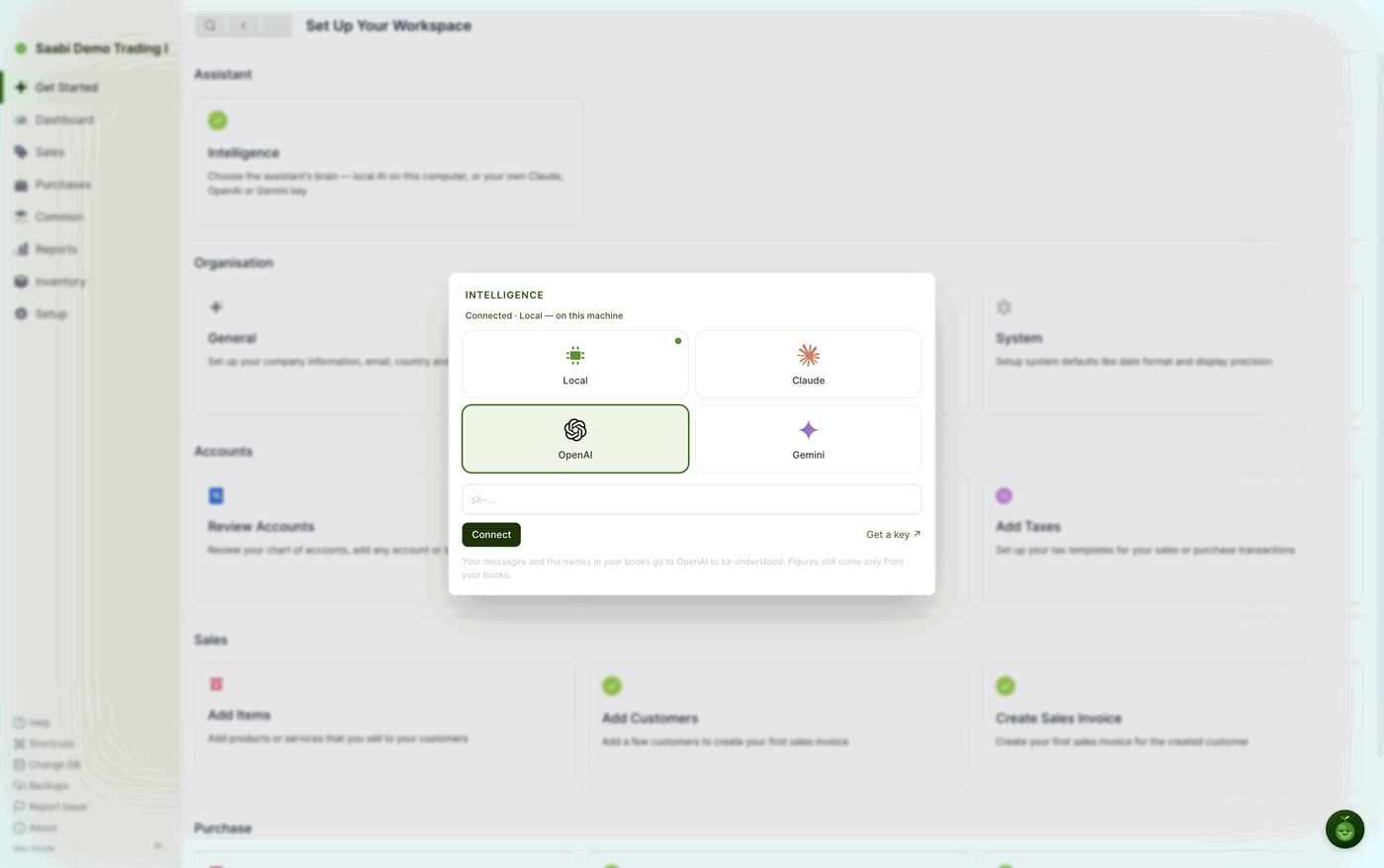
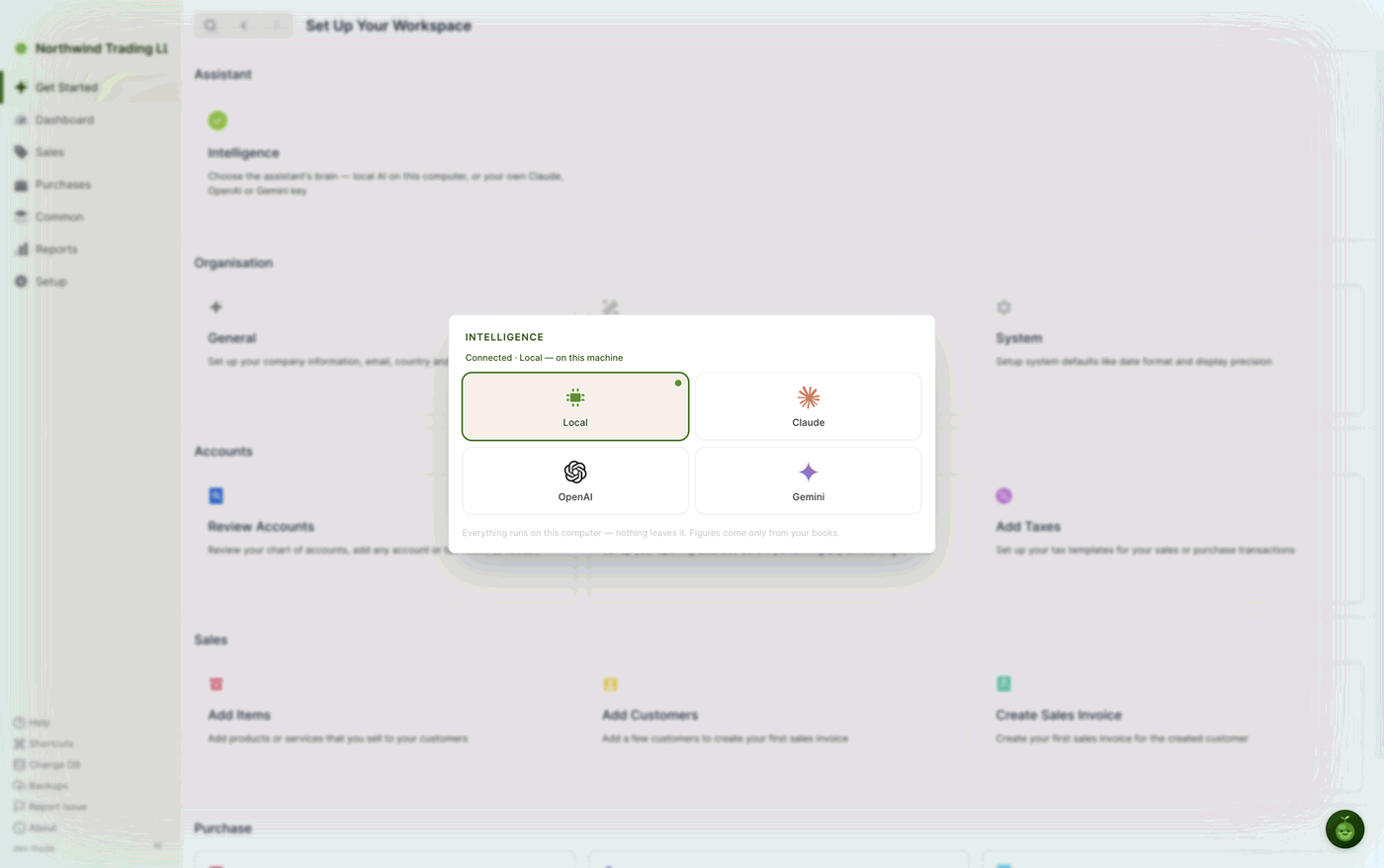
The line under the INTELLIGENCE heading updates to show what is connected, and a small green dot marks the tile that is in use. To go back to running everything on your own machine, select Local again — your key is kept, so you can switch back later without pasting it a second time.
Where the choice applies
The Intelligence setting belongs to the installation, not to a company file. If you keep books for more than one business on the same computer, all of them use the brain you have chosen here.
Note
The local model is downloaded and installed the first time you choose Local. Once it is on the machine, the panel simply shows it as connected. Downloading it again is not necessary, and the option is not offered when it is already present.
Saabi Desktop User Manual 1.0 · covers Desktop 1.0.0 · Something wrong or missing? Tell us