
Chapter 47 · The SAABI assistant · 2 min read
Using the assistant
On this page
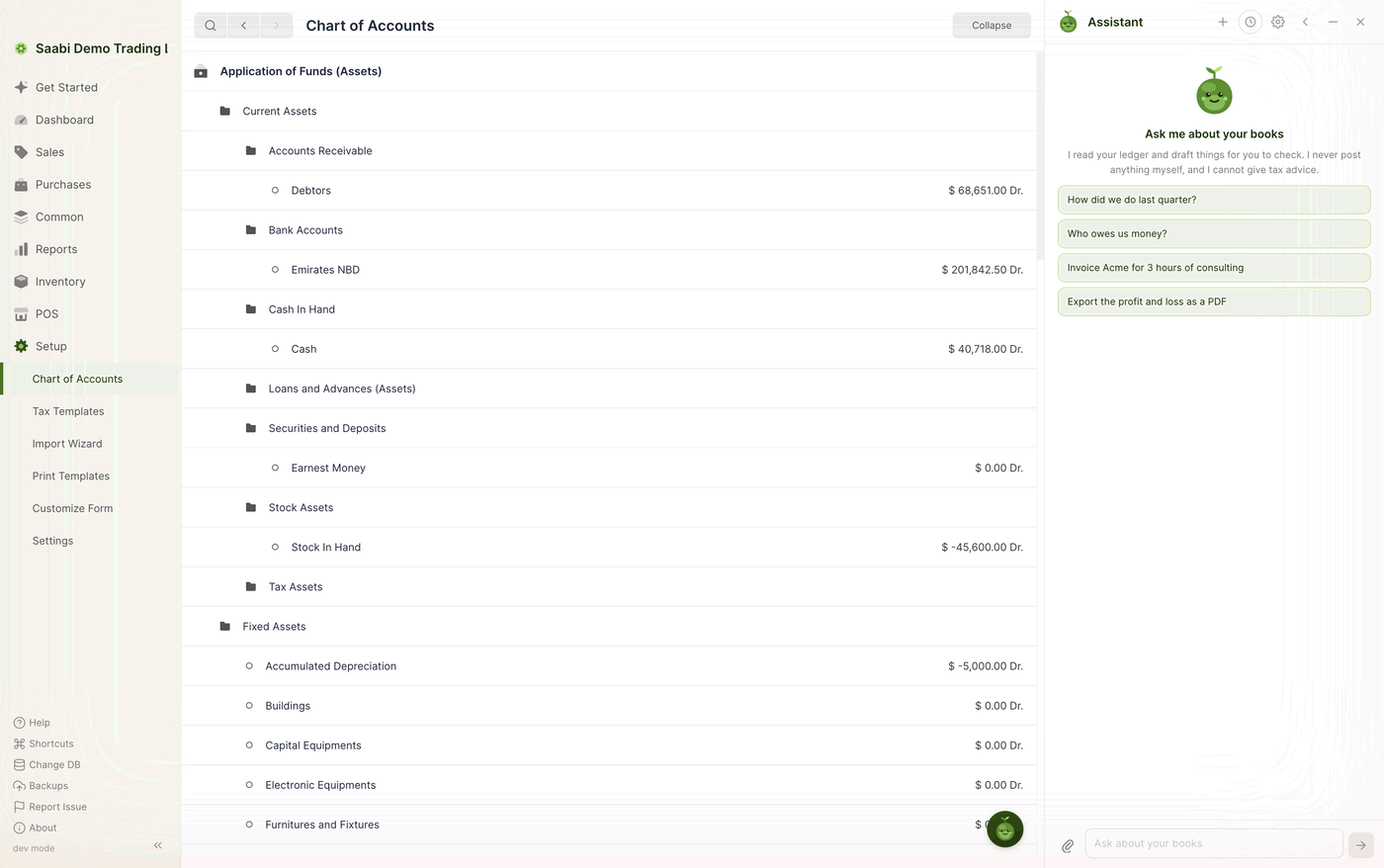
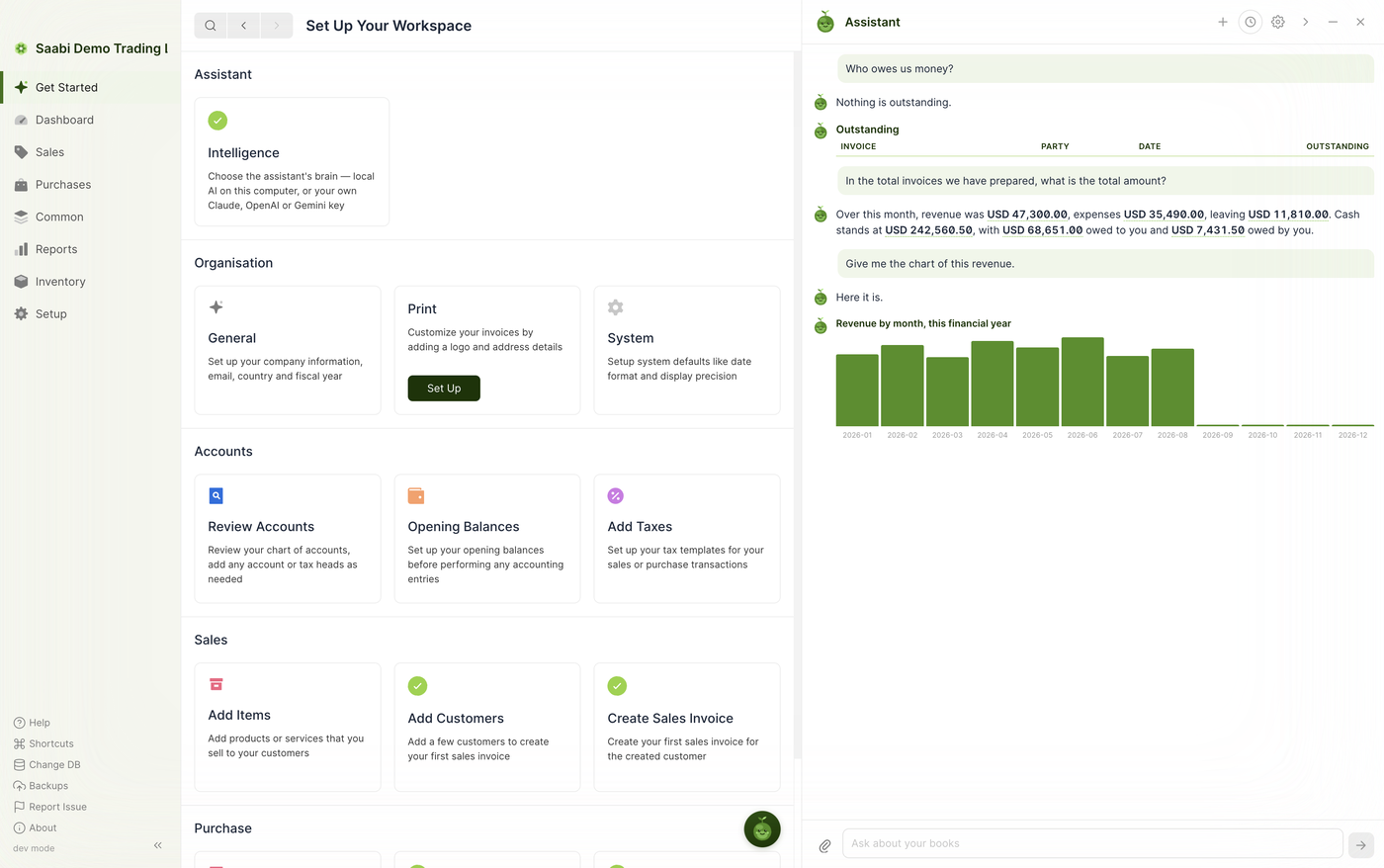
The assistant is a chat panel that sits beside your books. You ask a question in ordinary language; it reads your company file and answers with the real figures. It can also draft documents for you to look over, and it can take you to any record you name.
It is always within reach: a round assistant button floats in the bottom-right corner of every screen. Select it to open the panel, and select the ✕ in the panel header to close it again.
What it will and will not do
The opening screen states the limits, and they are worth taking at face value:
- It reads your ledger and drafts things for you to check.
- It never posts anything itself. Nothing is saved, submitted or paid on your behalf.
- It cannot give tax advice.
Everything the assistant produces is a suggestion. You remain the person who saves and submits.
The panel controls
The header carries six controls:
- + starts a new conversation.
- The clock opens Past chats.
- The gear opens the Intelligence settings described in Chapter 46.
- The ‹ widens the panel so that wide tables and charts fit.
- The – minimises the panel back to the floating button.
- The ✕ closes it.
At the foot of the panel is the message box, labelled Ask about your books, with a paperclip for attaching a file.
Asking a question
Type a question and press Return. Ask the way you would ask a bookkeeper — there is no syntax to learn:
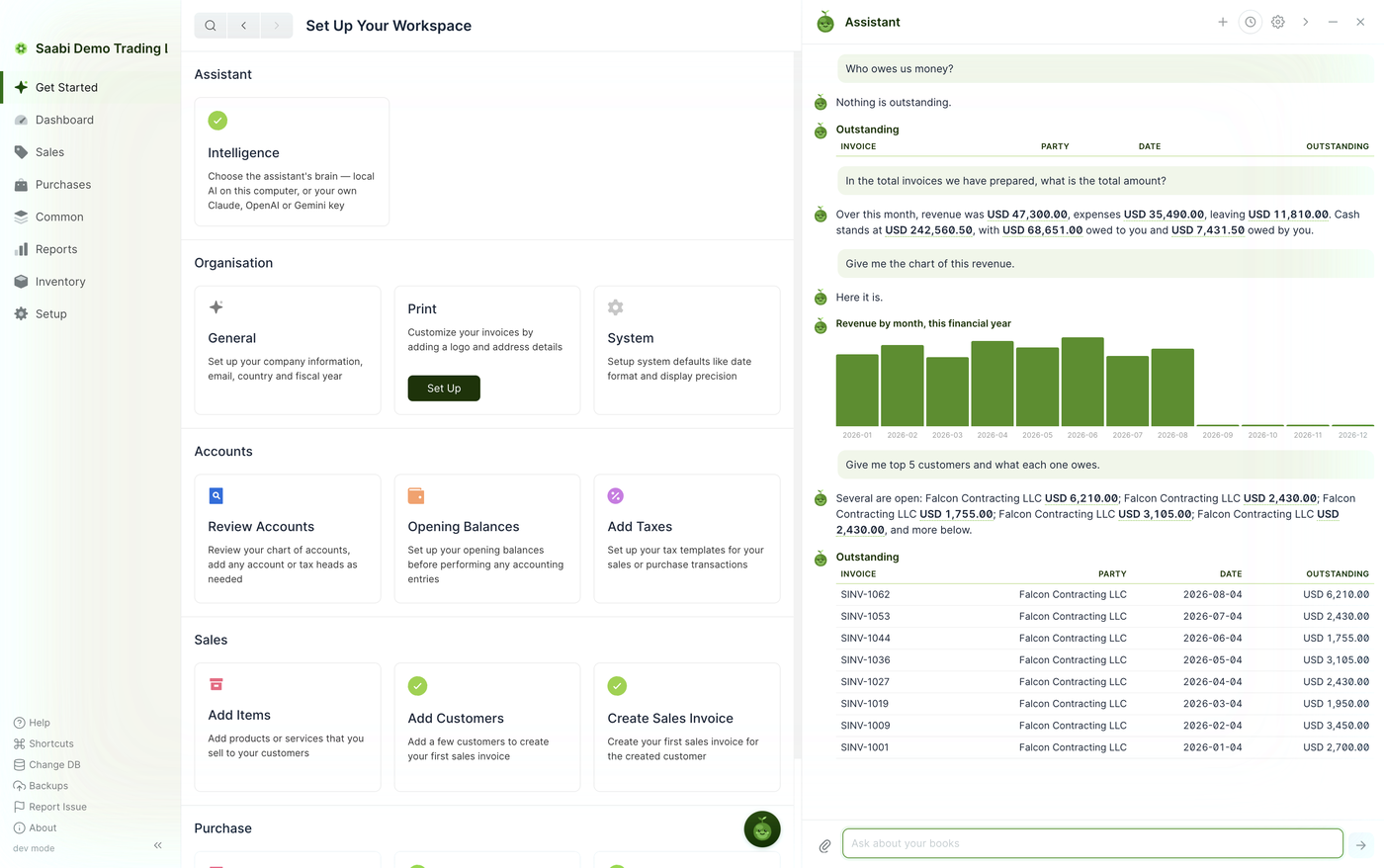
Who owes us money?In the total invoices we have prepared, what is the total amount?How did we do last quarter?Give me top 5 customers and what each one owes.
The assistant replies in short prose with the important figures in bold, so that a summary can be read at a glance.
Conversations are kept
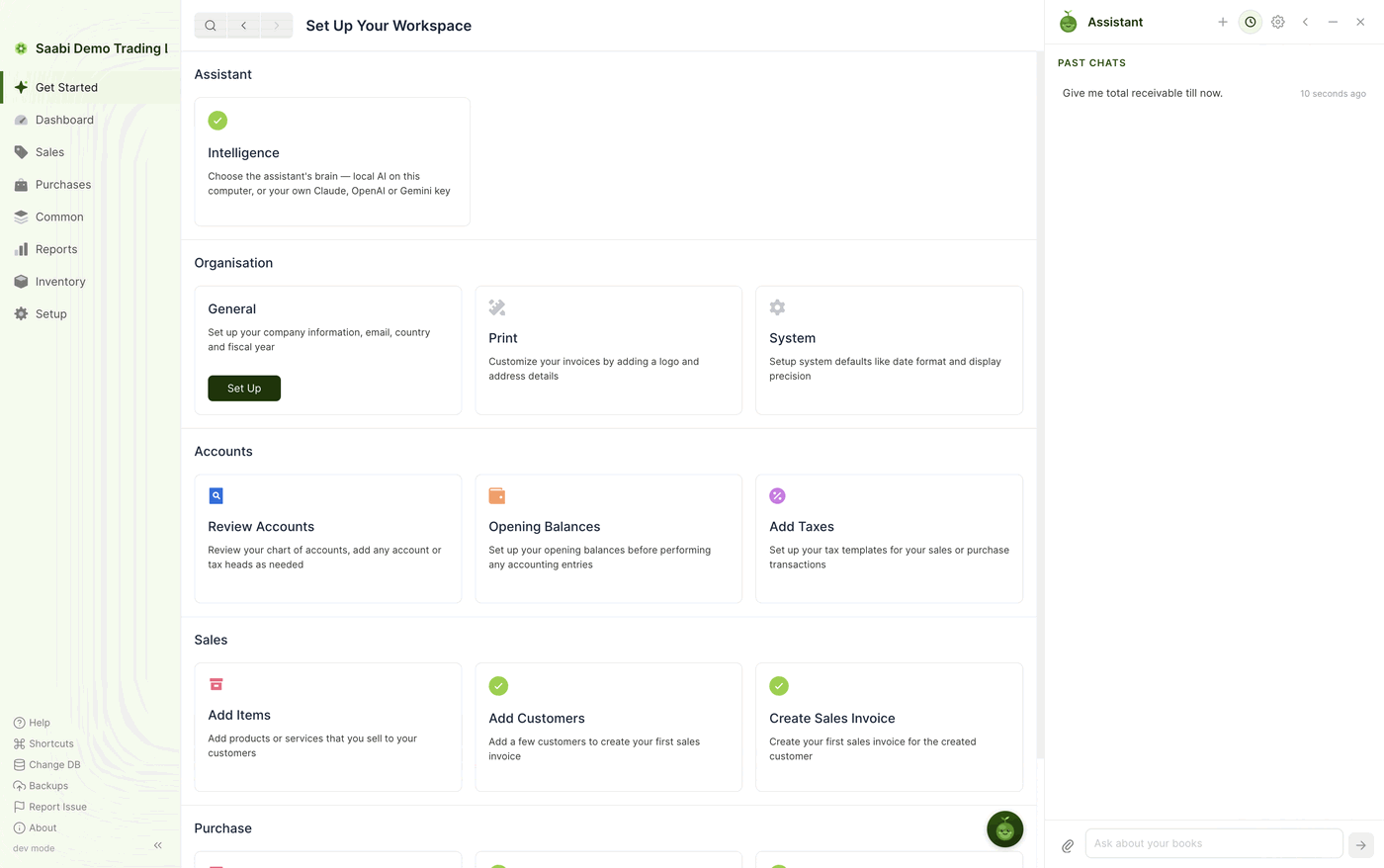
Each conversation is saved. Select the clock icon to see Past chats, listed newest first with the time since each one. Select a conversation to reopen it exactly as you left it.
Start a fresh conversation with + whenever you move on to a new subject. The assistant reads the current conversation for context, so a clean start avoids it carrying assumptions across from an unrelated question.
When you first open the books
If the assistant notices something worth a look when a company file opens, it says so, without interrupting what you were doing — for example, that a few invoices are worth reviewing but that nothing is urgent. You can ask it for the full list at any time by saying check my books.
Widening the panel
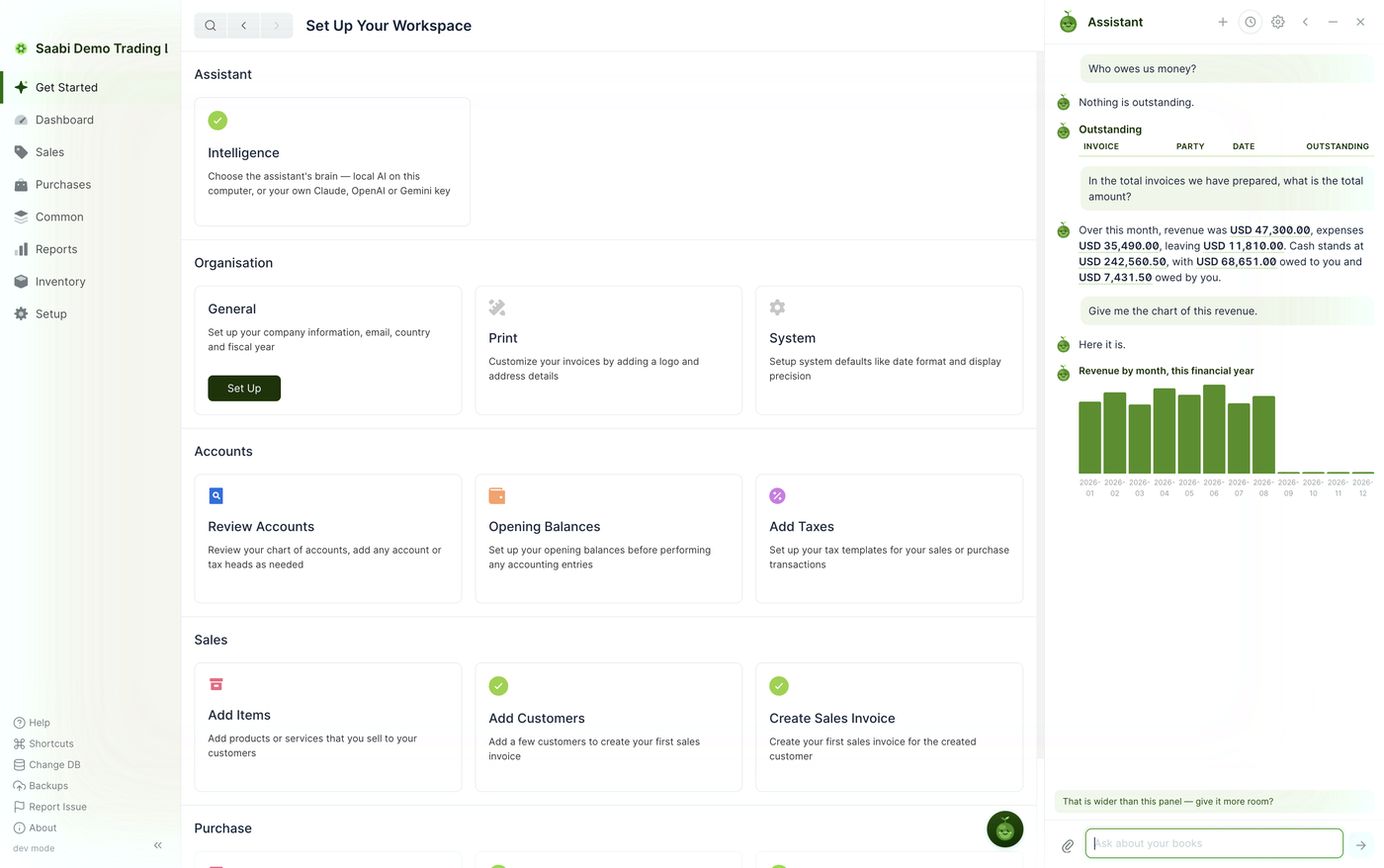
Some answers are wider than the panel. When that happens the assistant offers to make room, and selecting the offer widens the panel over the main window. The ‹ control does the same thing by hand.
Tip
Keep the assistant closed while you work through a long data-entry session and open it when you want to check something. The panel takes width from the main window, so forms are more comfortable to fill in with it out of the way.
Saabi Desktop User Manual 1.0 · covers Desktop 1.0.0 · Something wrong or missing? Tell us